

How it works
By placing warehouses in the first group of your routing rules, Charlie will always prioritize them for online orders. Stores only fulfill when warehouses can’t.Setup
Go to Order Routing
Navigate to Charlie → Settings → Order routing or Shopify → Settings → Shipping and delivery → Order routing.
Add a Ranked Location Groups rule
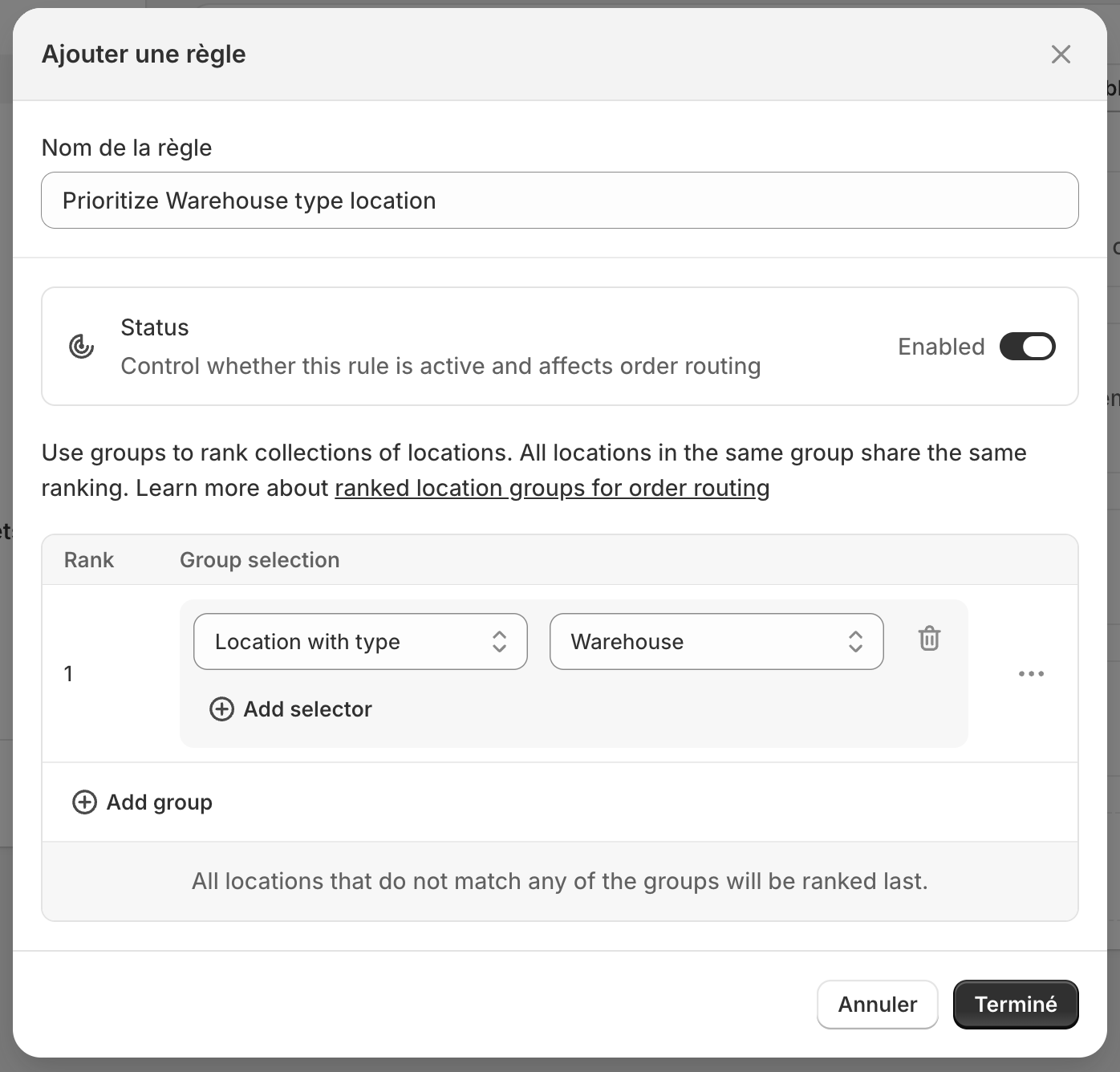
Create a new Ranked Location Groups rule and make sure it’s your first preference rule.
Configure groups
- Group 1: All locations with type = Warehouse
- Group 2: All locations with type = Store
Result
| Scenario | Fulfillment |
|---|---|
| Warehouse has stock | Ships from warehouse |
| Warehouse out of stock, store has stock | Ships from store |
| No stock anywhere | Order blocked or backordered |